


Mobile and Tablet Devices Review

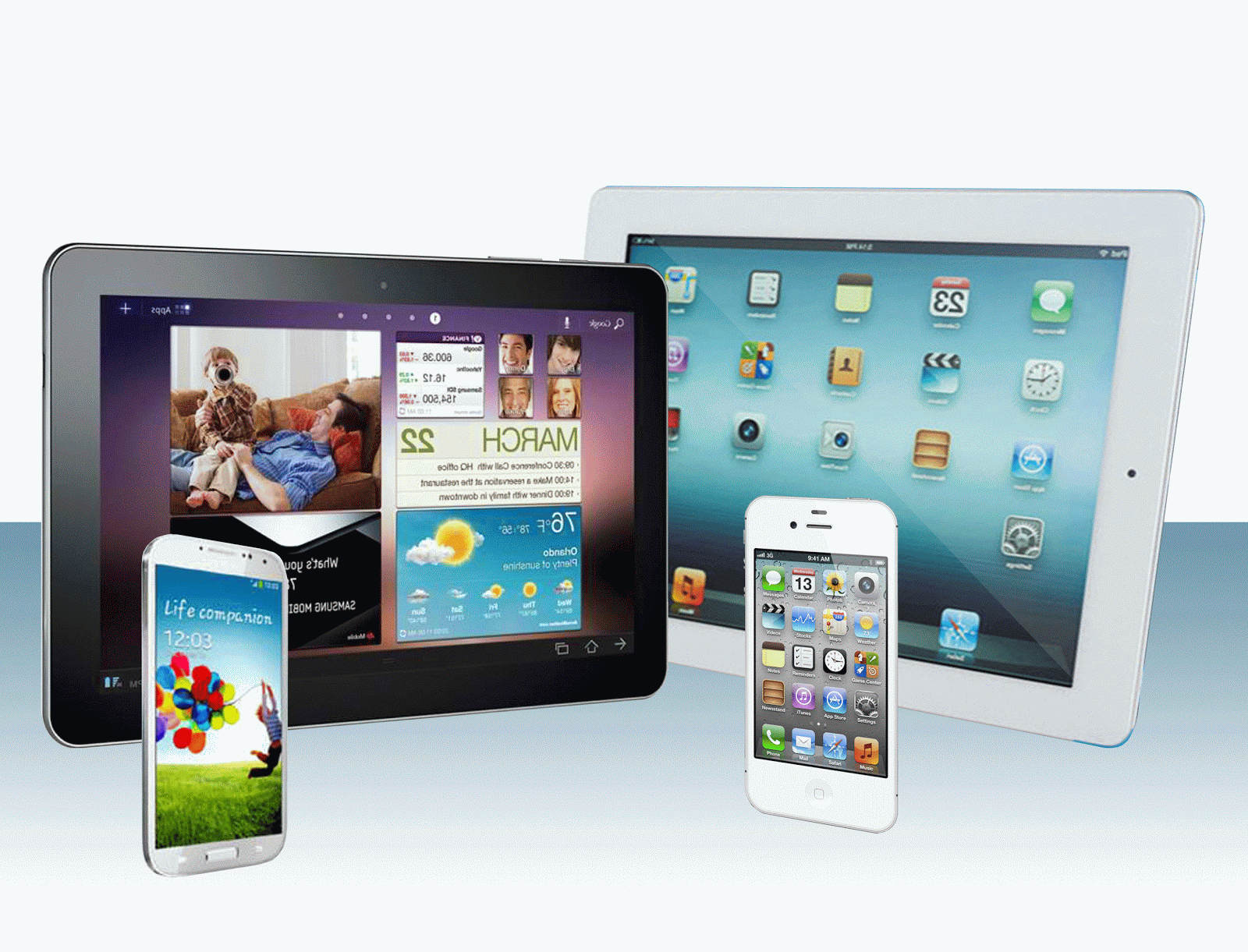
Cyber Living posts the specifications or details of the latest mobile phones and tablets with some thought comments on the device You can find them by clicking the MOBILE?TSBLET DEV on the menu bar above. Or you can click this link Mobile and Tablet Devices

Computer Problems Solutions

For personal computer/notebook problems and tips, refer to PC PROB from the menu or click this link Personal Computer Problem Solutions.

What's in the world with Philippine ISPs

Discussions about Philippine Internet Service Providers (ISPs) particularly problems users are encountering but are not getting any solutions.

  • Tips or work around to these problems to improve browsing experience.
  • Do you have any problems too? Give your comments below each of the posts to be heard.
  • Or better yet, send me a message on our contact form if you want a dedicated article to your problem on this site.
  • Bloggers and Webmasters tips/tricks

    Looking for something to implement to your site? Our Bloggers' tips/tricks have what you need. If you do not find it there, notify us through our contact form.

    SEO Tips

    Tips to improve your rankings on Search Engine Resuts Pages (SERPs).

    Showing posts with label Android. Show all posts
    Showing posts with label Android. Show all posts

    Wednesday, August 14, 2013

    Coby Kyros MID7047 Android 4.0 Tablet


    Coby Kyros 7047-4
    Coby Kyros 7047-4 overview | source: http://www.cobyusa.com
    Coby 7.0" MID7047 Android Tablet


    Here is an unexpensive Android tablet running on Ice Cream Sandwich designed for budget customers. This is made for those looking for a low budget tablet that has the basic capabilities like web browsing, music playback and playing some basic games.

    Here are some positive notes about this Tablet

    • 7.0" Multi-touchscreen - easily zoom with two fingers as well as other capabilities of a 2-point multi-touch device.

    • Wi-Fi Support - connect to the internet wirelessly through its 802.11 b/g/n comm port.

    • Wide range of media support - play most of the internets sound, video and photo formats.

    User experience:
    No one is talking about this tablet yet. Be the first to comment.

    • Pros
      1. Affordable
      2. With microSD expansion capability
    • Cons


      1. Narrow viewing angle
      2. Not a real Android Tablet as it does not even have access to Google Play.
      3. Lags at times

    Here is the complete list of its specifications:

    Operating System Android 4.0 Ice Cream Sandwich
    Processor / ChipsetCortex™-A5 (Telechips)
    1.0 GHz
    Graphic
    Display7.0” TFT LCD (WVGA 800 x 480),  capacitive Multi-touchscreen, 16:9 aspect ratio
    TouchscreenYes
    LCD Features


    MemoryFlash; 512MB
    Hard DriveBuilt-in 4GB/Expandable up to 32GB
    HDD Interface
    ColorBlack
    MultimediaBuilt-in Microphone
    Integrated Speaker


    CommunicationWi-Fi IEEE 802.11 b/g/n
    ---
    PortsUSB 2.0 High Speed (Micro Connector)
    3.5mm Headphone
    MicroSDHC


    InputTouchscreen
    PowerAC 100-240VAC INPUT, DC 5V output
    ---
    Dimension7.75 x 0.45 x 4.5
    Weight7 lbs.
    Software
    *Software can be changed without notice


    OthersPlays/displays common internet audio/video/Photo formats.
    Available in the following languages:English, Spanish, French (Canada & France), German, Chinese (Simplified and Traditional), Italian, Portuguese (Portugal and Brazil), Korean, Japanese, Russian, Hebrew, Greek, Arabic
    CE, FCC certified
    ---
    ---
    Warranty---
    ---
    Samsung Support Pagehttp://www.samsung.com/us/support/owners/product/XE700T1C-A01US
    (includes manual downloads and FAQs & How Tos)


    Back to CyberLiving home page

    Other Posts

    Tuesday, July 30, 2013

    Samsung Galaxy Tab™ 2 7.0 Review/Specs


    Samsung Galaxy Tab 2 7.0 front view
    Samsung Galaxy TM Tab2 7.0 front view |
    source: http://samsung.com

    Samsung Galaxy Tab™ 2 7.0 (Wi-Fi) 8GB


    Last April 22, 2012, Samsung has released another tablet from their 7-inch series. The Samsung Galaxy TabTM 2 7.0 seems a rehash of the earlier released Galaxy Tab 7.0 Plus.

    To be honest, because many loved the Galaxy Tab 7.0 Plus but had reservations in buying due to its price, they have this released.

    Looking from a distance the it looked like the Tab 7.0 Plus. Only at closer inspection will you see the difference in thickness (Galaxy Tab2 7.0 is slightly thicker). There are also several other downgrades here and there like its front camera which is VGA resolution from an HD quality in 7.0 Plus. CPU speed is now 1Ghz from 1.2Ghz in 7.0 Plus.

    Still, many of the selling point of the Galaxy Tab 7.0 Plus is carried to it like its bright TFT LCD display, microSD slot and rear camera. 

    Here are some positive notes about this Tablet

    • Loaded with lots of apps and can carry lots of content - Although not necessarily a plus, it comes pre-loaded with apps from social media to weather updates, access to Google Play Store, entertainment and many more. Of course a user can always remove apps he/she deems not necessary. And with an external microSD port (up to 32G) of files and media storage couple that with a cloud storage of 50G (good for 2 years free), an owner could carry virtually everything he/she needs.
    Samsung Galaxy Tab2 7.0 endless apps and content
    Endless apps and content at your fingertips | source: http://samsung.com

    • Easily customized - With Touchwiz, things is easily customized and organized giving easy access to contents.
    Samsung Galaxy Tab2 7.0 TouchWiz
    Add a touch of TouchWiz and contents are accessed easily | source: http://samsung.com
    • A home entertainment Tab - Stream shows from TV screens using SmartView. If you lost your TV remote, this Tab can do it for you.

    • Extendable Memory - With the built in microSD slot, memory can be extended and give up to 32G more memory of storage for files like photo, documents, video and music.
    Samsung Galaxy Tab2 7.0 microSD slot
    Load up more data with up to 32G more memory | source: http://samsung.com

    User experience:
    Here are some comments from people who have already used the device. Most feedback are positive.

    • Pros
    1. Bright display.
    2. Built-in speakers.
    3. Leight weight.
    4. Inexpensive.
    5. Realistic color.
    6. Solid feel
    7. With flash player

    • Cons

    1. Can't install apps on the microSD.
    2. Most apps from Google Play are supported but there are still some that it does not support.

    Here is the complete list of its specifications:

    PricePhp11,000 - Php12,800 (as of July 31, 2013)
    Operating SystemAndroid 4.1, Jelly Bean
    Processor / ChipsetTI OMAP4430
    -
    Graphic'none'
    Display7"; 1024x600Pixel (resolution)
    TouchscreenYes
    LCD Features-
    -
    -
    Memory8GB (internal); micro SD card slot supports up to 32GB (external)
    Hard Drive-
    HDD Interface-
    ColorTitanium Silver
    Multimedia3.0 Megapixel (rear)
    Music: MP3, AAC/AAC+/EAAC+, WMA, OGG (vorbis), FLAC, AC-3 ; Sound: AVideo Codec: Mpeg4, H.264, H.263, VC-1, Divx, VP8, WMV7/8, Sorenson Spark; 
    Format: 3gp(mp4), wmv(asf), avi(divx), mkv, flv, webm
    Format: 3gp(mp4), wmv(asf), avi(divx), mkv, flv, webm
    CommunicationWi-Fi Only
    Bluetooth
    Ports802.11n wireless network support
    Proprietary USB and power connection
    -
    -
    -
    -
    Input-
    Power4,000mAh (Battery)
    -
    Dimension4.8" x 7.6" x .41" (W x H x D)
    Weight0.76 lbs
    Software
    *Software can be changed without notice
    -
    -
    -
    -
    -
    -
    -
    -
    -
    -
    Others-
    -
    -
    -
    -
    Warranty1 year limited warranty period for parts
    1 year limited warranty for labor
    Samsung Support Pagehttp://www.samsung.com/us/support/owners/product/GT-P3113TSYXAR
    (includes manual downloads and FAQs & How Tos)


    Back to CyberLiving home page

    Other Posts
    Back to home page

    Thursday, June 13, 2013

    New virus for Android found

    Backdoor.AndroidOS.Obada.a is the name of the virus that is made specifically for Android devices.

    Kaspersky Labs last weekend has advised Android device users to be wary of the new Trojan virus that is spreading.

    The virus is exploiting an unknown bug in the operating system to be able to get administrator access, embeds itself to become impossible to remove. Kaspersky Labs said that it is does far one of the most sophisticated virus it came across as the code was written obscurely so it is harder to decipher.

    The Trojan can replicate itself to other devices as well as it can make copies of other malicious programs after the device has managed to establish a connection via Wi-Fi or bluetooth.

    It was also noted that the new Trojan is much similar to Windows malware than to other Android Trojans in terms of complexity and the number of unpublished vulnerabilities it exploits.

    Back to CyberLiving home page

    Other Posts
    Kaspersky uses too much memory
    How to recover from memory leak without restarting

    Saturday, March 2, 2013

    Is Android the future Windows?


    I did not mean the future of Windows but will it be replacing Windows as the new OS of choice in the near future?

    The Android OS made its mark in our consciousness when smartphones replaced our conventional cellular phones which requires an operating system for it to work.

    At that time, Microsoft was busy coming out with a new version of their Windows operating system for PC and did not concentrate much on the smartphone market.

    This leaves the competition between the Symbian OS, iOS, Blackberry OS and Android. Well, as one should know, the iOS and Blackberry OSare dedicated to the iPhone and Blackberry respectively. That leaves Android and Symbian trying to grab the market. Well, Windows is also trying to compete but seems to be half hearted at the time as they are more focused on their existing market, which is the PC and notebook.

    Now, however, that more people are accessing the world wide web through their mobile phones as well as playing games with it, it has become apparent that going mobile is the way to go. With the introduction of tablet devices (thanks in a big way to Apple's iPad), which in a way is similar to that of mobile devices, the market has even become bigger.

    However, Microsoft seems to have seen the market potential of mobile deivces that it has trained its eyes to it. Even its newly released Windows 8 looks like the interface of a tablet.

    But with the time and resources spent by Google on the Android OS, it has paid off. It can be seen by the proliferation of what we now call Android devices. A wide range of smartphone manufacturers now uses Android. Now, even on tablets, Android seems to be the OS of choice. It's biggest user is Samsung which has currently outsold Apple's iPad on the number of units sold due in big part to its lower price. Even, less known brands like Coby and Movetab are using the Android OS although some of them are not  yet a truly Android device. In which case, there is no Google support and has no access to sites like Google Play.

    So what do you think? Sound off your thoughts on the comments section.

    Back to home page

    Other Posts
    Is consumerism now the driving force of innovation?
    Deep Freeze